

Introduction
Many growing businesses eventually reach a point where spreadsheets, delayed reports, and inconsistent data begin slowing down operations. At that stage, leadership teams often explore a more structured platform to improve visibility and control.
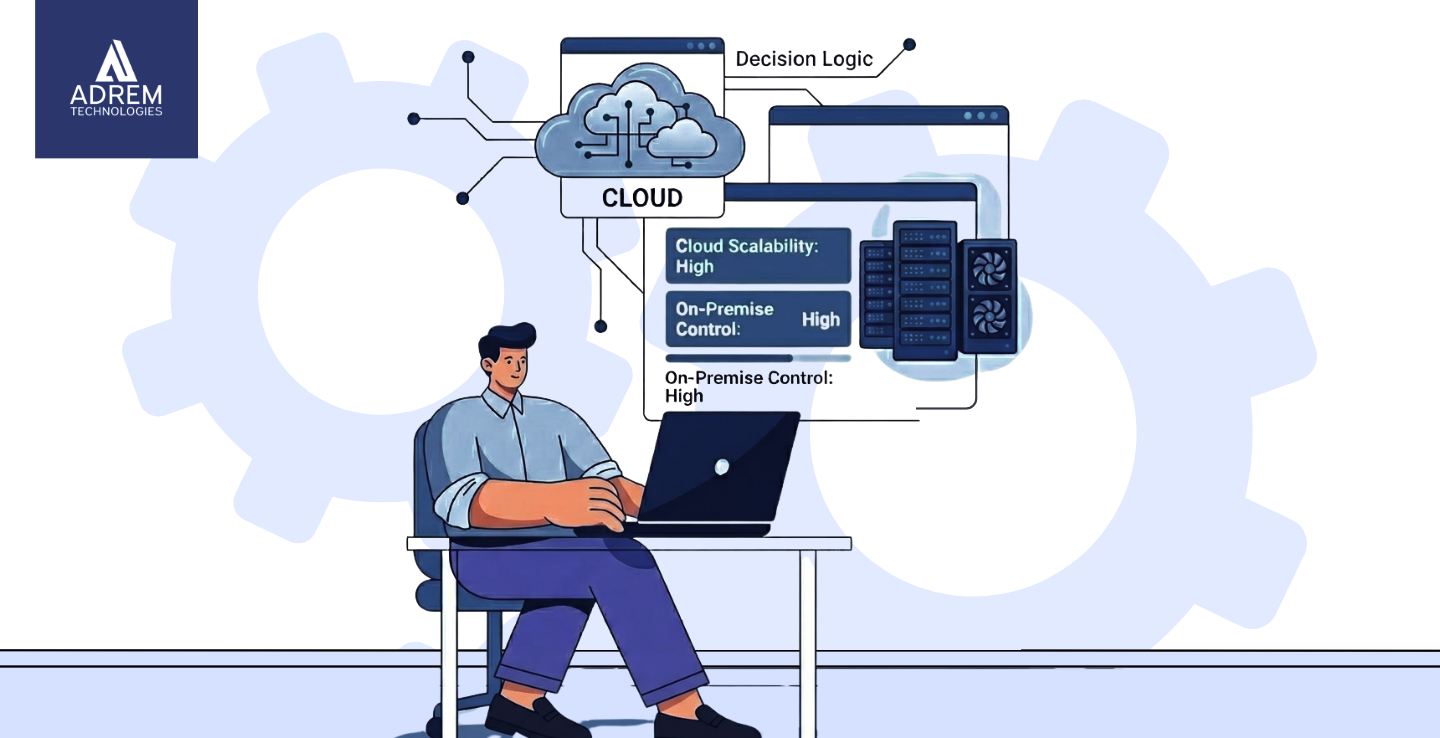
When organizations evaluate Dynamics 365 deployment options, they usually compare cloud and on-premise environments to determine the best long-term strategy.
That conversation frequently leads to Microsoft Dynamics 365.
However, once organizations decide to adopt Dynamics 365, another important question appears almost immediately:
Should the system be deployed in the cloud or on-premise?
Although this may seem like a technical choice, it is actually a strategic decision. The deployment model influences how teams work, how costs are managed, how systems scale, and how data is secured.
For companies in the UAE, selecting the right deployment model becomes even more important as businesses expand across emirates and integrate with regional markets.
Implementation partners such as Adrem Technologies often guide organizations through this decision during Microsoft Dynamics 365 implementation projects. The goal is not simply choosing a technology model, but selecting an approach that aligns with the company’s long-term operational strategy.
Let us examine the differences step by step.
What Do Deployment Options Actually Mean?
Deployment refers to where Microsoft Dynamics 365 is hosted and who manages the infrastructure behind it.
Organizations typically choose between two environments:
- Cloud deployment
- On-premise deployment
Both options run the same core business applications, including finance, supply chain, customer management, and operations modules.
However, the key differences involve infrastructure ownership, scalability, maintenance responsibility, and cost structure.
Core Differences at a Glance
| Area | Cloud Deployment | On-Premise Deployment |
|---|---|---|
| Hosting Location | Microsoft data centers | Company-owned servers |
| Upfront Investment | Lower | Higher |
| Maintenance | Managed by Microsoft | Managed internally |
| Updates | Automatic | Manual scheduling |
| Remote Access | Built-in | Requires additional setup |
| Scalability | Flexible | Hardware dependent |
These differences may appear simple at first, yet they significantly influence daily operations.
Cloud Deployment: Flexibility and Simplicity
In a cloud model, Microsoft hosts Dynamics 365 in secure global data centers. Users access the system through the internet using a subscription-based licensing model.
This approach eliminates many infrastructure responsibilities for businesses.
Typical advantages include:
- Predictable monthly costs
- Automatic updates and security patches
- Built-in data backups
- Secure remote access from any location
For many organizations, the ability to access the system from offices, warehouses, or remote locations becomes extremely valuable.
Companies in the UAE that operate across multiple emirates often benefit from this flexibility. Adding users or expanding operations becomes a licensing adjustment rather than a hardware upgrade.
However, despite these advantages, some organizations still prefer on-premise environments.
On-Premise Deployment: Control and Ownership
With an on-premise deployment, Microsoft Dynamics 365 runs on servers located within the organization’s physical infrastructure.
This model gives businesses direct ownership and control over the system environment.
Typical characteristics include:
- Higher upfront infrastructure investment
- Internal IT teams managing servers and updates
- Physical control of data storage
- Custom scheduling of system updates
For industries with strict regulatory requirements or internal data policies, on-premise systems may feel more comfortable.
However, this control also comes with ongoing responsibility. Server management, system monitoring, and disaster recovery planning become internal tasks rather than vendor-managed services.
Security Considerations
Security discussions often generate strong opinions.
Cloud providers such as Microsoft invest heavily in cybersecurity infrastructure. Their global data centers operate with advanced monitoring, encryption standards, and compliance frameworks.
Replicating this level of security internally can be challenging for many organizations.
At the same time, on-premise deployments allow companies to maintain direct control over their data environment. Some leadership teams prefer knowing their systems are hosted within their own facilities.
In reality, security strength depends less on deployment location and more on system management discipline. A well-managed cloud environment can be extremely secure, while poorly maintained internal infrastructure can introduce vulnerabilities.
Cost Structure Differences
Financial considerations often influence the final decision.
When comparing Dynamics 365 deployment options, cost structure becomes an important factor because cloud systems use subscription models while on-premise systems require capital investment.
Cloud deployments typically operate under operational expenditure (OPEX), where businesses pay subscription fees over time.
On-premise systems require capital expenditure (CAPEX) upfront for infrastructure investments.
Cost Comparison Overview
| Cost Factor | Cloud Deployment | On-Premise Deployment |
|---|---|---|
| Initial Investment | Lower | Higher |
| Monthly Cost Predictability | High | Moderate |
| Hardware Replacement | Not required | Required periodically |
| IT Infrastructure Staffing | Lower | Higher |
When organizations evaluate costs over a five-year period, the financial differences become clearer.
Scalability for Future Growth
Business growth rarely follows predictable patterns.
A company may expand into new markets, open additional branches, or significantly increase its workforce within a short period.
Cloud environments support rapid scalability. Organizations can add users, storage, or system capabilities without purchasing new infrastructure.
In contrast, on-premise systems require hardware capacity planning. Growth often involves purchasing new servers, upgrading networks, or redesigning infrastructure.
For companies in the UAE operating in dynamic markets, scalability often becomes a decisive factor.
Accessibility and Modern Work Environments
Workplaces have evolved significantly in recent years. Employees now access business systems from various locations, including offices, warehouses, retail stores, and remote environments.
Cloud deployment naturally supports this flexibility through browser-based access and secure authentication.
On-premise systems can support remote access, but they often require additional configuration such as VPN networks, firewall adjustments, and security layers.
This difference may appear small initially, yet it can significantly influence team productivity.
Customization and Operational Control
Certain industries require specialized workflows or advanced process customization.
On-premise environments allow deeper technical customization because companies control the infrastructure directly.
Cloud environments also support configuration and customization, but within a structured framework that protects system stability and security.
During implementation discussions, organizations often discover that improving business processes delivers greater value than extreme customization.
Implementation partners such as Adrem Technologies frequently guide businesses through these evaluations to ensure customization decisions support real operational needs.
Implementation Speed
Cloud deployments typically require fewer infrastructure preparations. As a result, implementation projects often progress faster.
Teams can focus immediately on:
- System configuration
- Data migration
- Testing
- User training
On-premise projects include additional steps such as hardware installation, infrastructure testing, and network configuration.
While both deployment models can succeed, the cloud often enables faster implementation timelines.
Disaster Recovery and Business Continuity
System failures and disruptions can occur unexpectedly.
Cloud deployments include built-in redundancy across multiple geographic data centers. If one server location experiences disruption, operations can continue from another site.
On-premise environments require organizations to design their own disaster recovery strategies, including backup servers, off-site storage, and recovery testing.
Proper planning is essential for either model.
Which Deployment Option Is Best?
There is no universal answer.
Cloud deployment often works best for:
- Growing mid-sized businesses
- Multi-location organizations
- Companies seeking predictable operational costs
- Businesses without extensive internal IT infrastructure
On-premise deployment may be more suitable for:
- Highly regulated industries
- Organizations with strong internal IT capabilities
- Companies requiring internal hosting policies
The key question organizations should ask is not only about current needs, but also about future direction.
Conclusion
Choosing between cloud and on-premise deployment for Microsoft Dynamics 365 is not simply a technology decision. It is a strategic choice that influences scalability, cost management, and operational flexibility.
Choosing between Dynamics 365 deployment options requires evaluating scalability, security, infrastructure control, and long-term operational flexibility.
Cloud environments provide simplified infrastructure, rapid scalability, and accessible system management. On-premise deployments offer greater infrastructure ownership and direct control over data environments.
For companies in the UAE evaluating these options, implementation partners such as Adrem Technologies help align system architecture with long-term business objectives.
Ultimately, the best deployment model is the one that supports business growth while minimizing operational complexity.
Technology should enable progress, not create additional friction.
Frequently Asked Questions
Not necessarily. Cloud deployment usually reduces upfront costs, but long-term expenses depend on company size, user numbers, and system usage.
Yes. Many UAE organizations increasingly adopt cloud systems because they support scalability, remote access, and regional expansion.
Yes. Migration is possible, although it requires careful planning, data transition, and infrastructure adjustments.
Performance depends on infrastructure quality and system management. Both cloud and on-premise environments can deliver strong performance when properly configured.
Adrem Technologies provides Microsoft Dynamics 365 implementation services that help organizations evaluate deployment options, design infrastructure strategies, and implement systems aligned with operational needs.
